
Why separate your number
Clients who have your personal number can call at any hour, and your number can end up in shared documents. Separate channels keep work boundaries clear.
You can test this yourself with GhostCall's browser calling.
A simple workflow
Agree a call time by email. Include the calling instructions in the invite. Use the call for discussion, then send a written recap of decisions and deadlines.
Staying professional
Test your audio before the call, use headphones, and join a few minutes early. A short written agenda keeps the conversation on track and builds trust with new clients.
More on this: GhostCall's post on client calls without sharing your number.
Make a call without creating an account
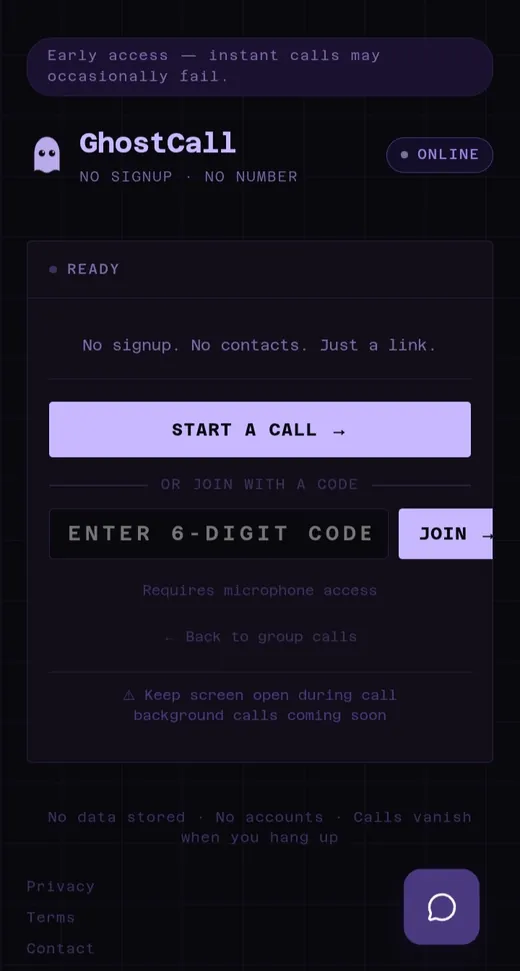
GhostCall lets you start a voice call from your browser with no sign-up and no phone number.
How a GhostCall call starts
- 1Create a room
- 2Share the link or 6-digit code
- 3Talk instantly
Start a call on GhostCall Read the GhostCall FAQ
Free, no credit card. GhostCall is in early access, so a call may occasionally fail.
Common questions
Do clients need an account?
Not with a no-sign-up tool, which makes things easy for first-time clients.
Should I record calls?
Only with consent. Some US states require everyone's agreement before a call is recorded.
Is this good for video calls?
This guide covers voice calls. For screen sharing or video, use a tool built for it.