
| Feature | GhostCall | |
|---|---|---|
| Sign-up | None | Yes, with your phone number |
| Install | No, runs in a browser | Normally an app linked to your number |
| Other person sees your number | No number involved | Usually yes |
| Call encryption | Encrypted in transit (WebRTC) | End-to-end encrypted |
| Best for | One-off calls with new contacts | Ongoing chats with people you know |
Setup
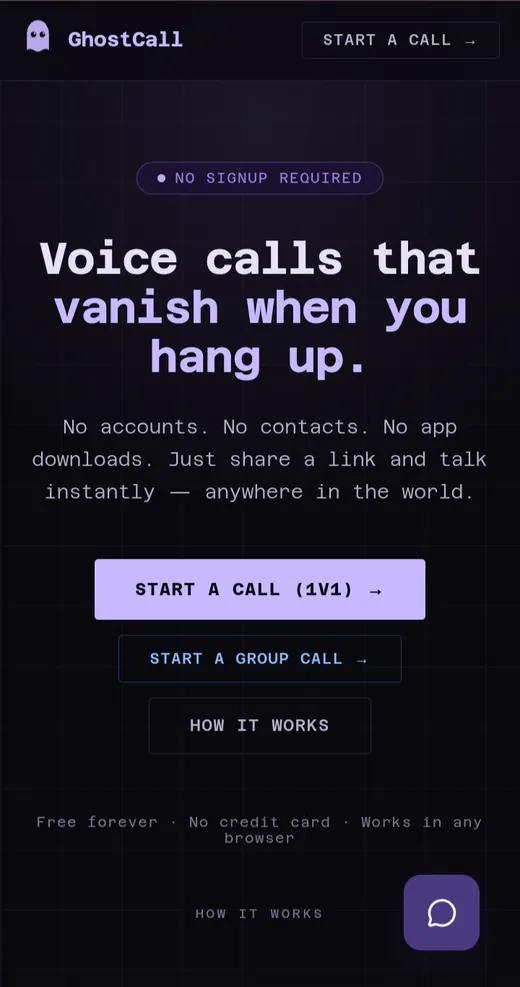
WhatsApp needs an installed app linked to a phone number. GhostCall runs in a browser without sign-up.
To see how it feels, make a test call on GhostCall.
Privacy trade-offs
WhatsApp calls are end-to-end encrypted, but your number is visible to contacts. With GhostCall there's no number to see, though peer-to-peer connections can reveal an IP address to the other side.
Choosing
Use WhatsApp for family and friends abroad who already use it. Use GhostCall for landlords, buyers or new acquaintances you'd rather not give your number to.
Related reading from GhostCall: GhostCall's comparison with WhatsApp.
Make a call without creating an account
GhostCall lets you start a voice call from your browser with no sign-up and no phone number.
How a GhostCall call starts
- 1Create a room
- 2Share the link or 6-digit code
- 3Talk instantly
Start a call on GhostCall Read the GhostCall FAQ
Free, no credit card. GhostCall is in early access, so a call may occasionally fail.
Common questions
Are they compatible?
No. They are separate services.
Which is better for family abroad?
Whichever your family already uses and can reach easily.
Does GhostCall work in every province?
It only needs an internet connection and a modern browser.