
| Feature | GhostCall | |
|---|---|---|
| Sign-up | None | Yes, with your phone number |
| Install | No, runs in a browser | Normally an app linked to your number |
| Other person sees your number | No number involved | Usually yes |
| Call encryption | Encrypted in transit (WebRTC) | End-to-end encrypted |
| Best for | One-off calls with new contacts | Ongoing chats with people you know |
Setup
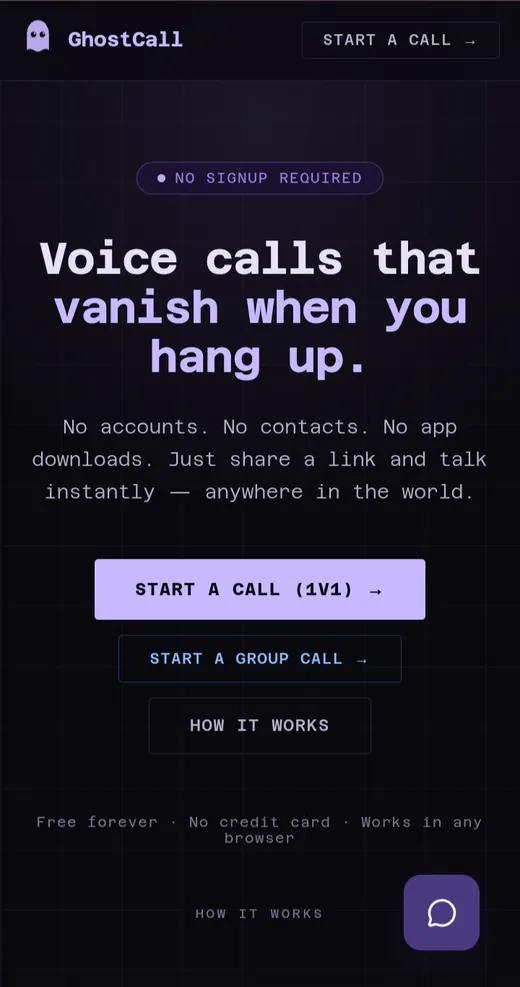
WhatsApp is built around your phone number and an installed app. GhostCall runs in a browser and doesn't require sign-up.
To see how it feels, make a test call on GhostCall.
Privacy
WhatsApp calls are end-to-end encrypted, which is a strong feature, but the other person usually sees your number, and group members can too. GhostCall avoids sharing a number at all.
Which to use
Use WhatsApp with family, friends and colleagues you're happy to share your number with. Use GhostCall for one-off calls, marketplace deals, or new contacts you don't know well yet.
Related reading from GhostCall: GhostCall's own comparison with WhatsApp.
Make a call without creating an account
GhostCall lets you start a voice call from your browser with no sign-up and no phone number.
How a GhostCall call starts
- 1Create a room
- 2Share the link or 6-digit code
- 3Talk instantly
Start a call on GhostCall Read the GhostCall FAQ
Free, no credit card. GhostCall is in early access, so a call may occasionally fail.
Common questions
Is GhostCall more secure than WhatsApp?
Not necessarily. They protect different things: WhatsApp encrypts end to end, while GhostCall avoids needing your number.
Can I call a WhatsApp contact from GhostCall?
No. They are separate services.
Do both work on slow networks?
Both work on moderate connections, but quality depends on your signal.