
Why it matters
In India your mobile number is tied to many accounts, payments and services. Once it's shared, it can be saved, added to groups, or used for unwanted messages.
You can test this yourself with GhostCall's browser calling.
Simple options
A browser call needs no number at all. Many messaging apps hide your number in some features but still require one to register. A separate SIM used only for public contact is another route, though it costs more.
Good habits
Share only what a conversation needs, never send OTPs or banking details to anyone, and report spam or fraud calls through your carrier's tools or the government's official reporting portals.
For more background, see how calling without a phone number works.
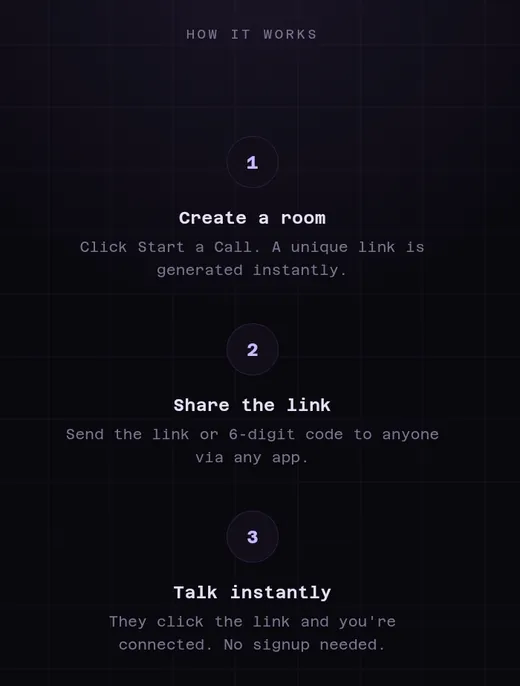
Make a call without creating an account
GhostCall lets you start a voice call from your browser with no sign-up and no phone number.
How a GhostCall call starts
- 1Create a room
- 2Share the link or 6-digit code
- 3Talk instantly
Start a call on GhostCall Read the GhostCall FAQ
Free, no credit card. GhostCall is in early access, so a call may occasionally fail.
Common questions
Is it safe to share my number with a seller?
It's best to hold off until you trust the person. A number-free call is a good first step.
Can they get my number from the call?
Not from a call that never uses it.
Does it work on Jio, Airtel and Vi?
It works over any data connection, because the call goes through your browser rather than the carrier's voice network.