
Why no sign-up matters
Many apps ask for your mobile number and an OTP before you can speak. A no-sign-up tool skips that, which helps on a shared device, with a new SIM, or when you'd rather not hand out your number.
If you'd like to try it, start a free GhostCall voice call.
What you need
A recent browser, a microphone, and a data or Wi-Fi connection. Earphones with a mic help reduce echo, especially on noisy or crowded networks.
Getting clear audio
On busy mobile networks, call quality can wobble. Try a spot with better signal, switch between 4G, 5G and Wi-Fi, and close background apps that use data.
Related reading from GhostCall: this longer guide to free voice calls without signup.
Make a call without creating an account
GhostCall lets you start a voice call from your browser with no sign-up and no phone number.
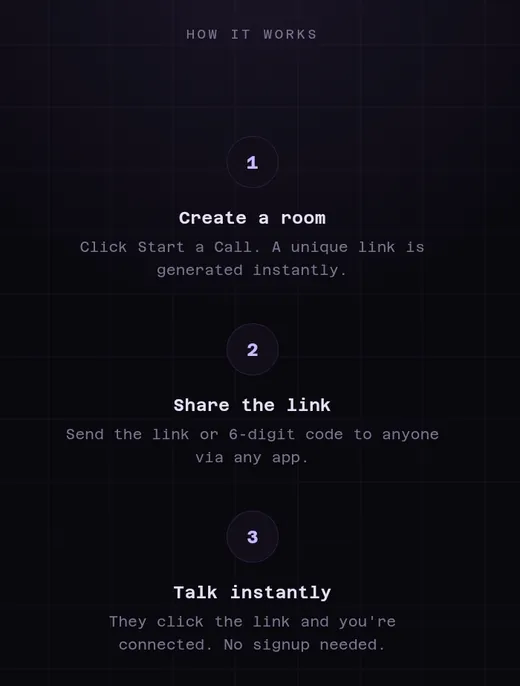
How a GhostCall call starts
- 1Create a room
- 2Share the link or 6-digit code
- 3Talk instantly
Start a call on GhostCall Read the GhostCall FAQ
Free, no credit card. GhostCall is in early access, so a call may occasionally fail.
Common questions
Do I need to download an app?
No. Browser calling works without one.
Will it use a lot of data?
Voice calls use far less than video, but they still count toward your data pack.
Can I call a mobile number?
No. It connects people who are both online.