
What you need
A recent browser, a microphone, and a Wi-Fi or mobile data connection. Headphones help with echo, particularly on laptops.
If you'd like to try it, start a free GhostCall voice call.
When it's useful
It's useful when you don't want to share your number, don't want another app, or need a quick call from a shared or borrowed device.
Quality tips
Use Wi-Fi for steadier audio and sit close to the router. In rural areas with patchy coverage, try shorter calls or a different network.
Related reading from GhostCall: GhostCall's guide to free voice calls without signup.
Make a call without creating an account
GhostCall lets you start a voice call from your browser with no sign-up and no phone number.
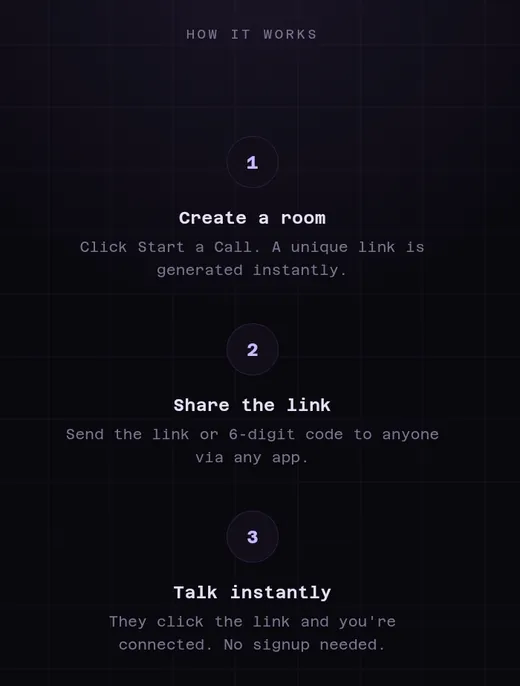
How a GhostCall call starts
- 1Create a room
- 2Share the link or 6-digit code
- 3Talk instantly
Start a call on GhostCall Read the GhostCall FAQ
Free, no credit card. GhostCall is in early access, so a call may occasionally fail.
Common questions
Is it free?
The call has no per-minute charge. It uses internet data, which counts toward your plan on mobile data.
Do I need to install anything?
No. A current browser is enough.
Does it work on mobile?
Yes. Allow microphone access when your mobile browser asks.