
Why not share your number
Shared numbers can lead to spam, repeated calls or scam attempts long after the deal ends. Many sellers get unwanted calls simply because a listing displayed their number.
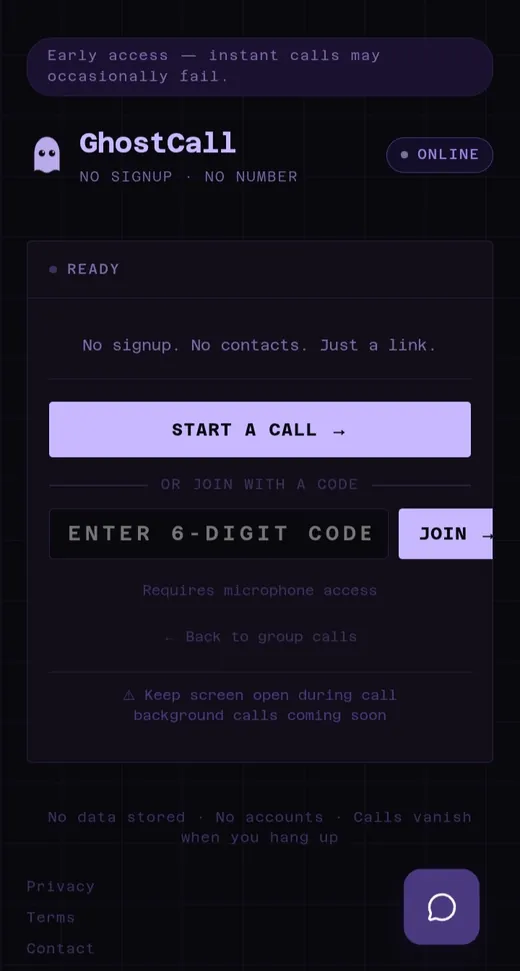
You can test this yourself with GhostCall's browser calling.
A safer flow
Chat on the platform, move to a short number-free call to confirm details, then agree a public meeting spot. Keep payment and ID details out of calls.
Red flags
Be cautious if someone insists on advance payment, sends links asking for your bank details, or pushes you to leave the platform immediately.
More on this: calling without a phone number.
Make a call without creating an account
GhostCall lets you start a voice call from your browser with no sign-up and no phone number.
How a GhostCall call starts
- 1Create a room
- 2Share the link or 6-digit code
- 3Talk instantly
Start a call on GhostCall Read the GhostCall FAQ
Free, no credit card. GhostCall is in early access, so a call may occasionally fail.
Common questions
Should I give my number after we meet?
Only if you want ongoing contact.
What if the buyer insists on WhatsApp?
You can say no and keep the deal on the platform.
Can I use this for services too?
Yes, including tutors, repair visits and rentals.