
Your options
A browser call needs no number at all. Dialling 141 before a number withholds your caller ID for that call, though it doesn't work for every destination. Many calling apps ask you to register with a number, and a second SIM costs money.
You can test this yourself with GhostCall's browser calling.
Why people do this
Common reasons include selling something on a marketplace, talking to a landlord or tradesperson, meeting someone from the internet, or keeping work and personal contact details apart. Once your number is out, it can be saved, searched or passed on.
Good habits
Share only what the situation needs. Agree a time first so the call isn't a surprise. If someone pushes for more personal details than make sense, end the call.
For more background, see GhostCall's guide to calling without a phone number.
Make a call without creating an account
GhostCall lets you start a voice call from your browser with no sign-up and no phone number.
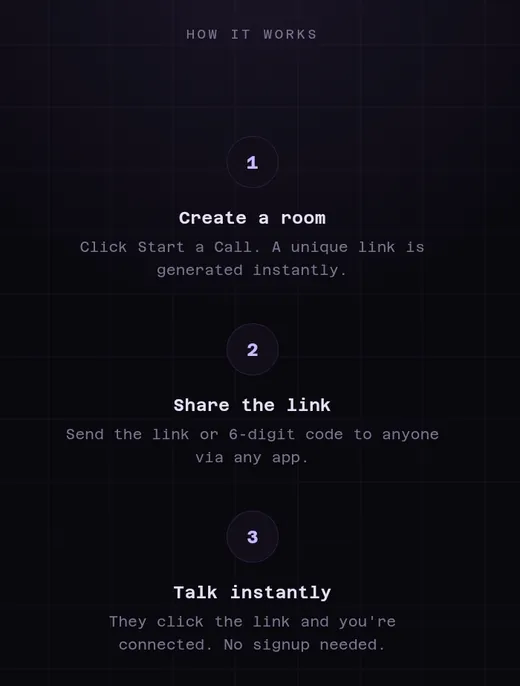
How a GhostCall call starts
- 1Create a room
- 2Share the link or 6-digit code
- 3Talk instantly
Start a call on GhostCall Read the GhostCall FAQ
Free, no credit card. GhostCall is in early access, so a call may occasionally fail.
Common questions
Does 141 hide my number completely?
It withholds your caller ID for that call, but your network provider still knows it, and some recipients block withheld numbers.
Can the other person find my number from a browser call?
Not from a call that never used it. They only know what you tell them.
Can I call a regular UK number this way?
No. Browser calling connects people who are both online. It can't dial 01, 02 or 07 numbers.