
Before you connect
Check the network name with staff or signage, since fake networks with similar names exist. Keep your browser updated, and avoid downloading anything on the same network.
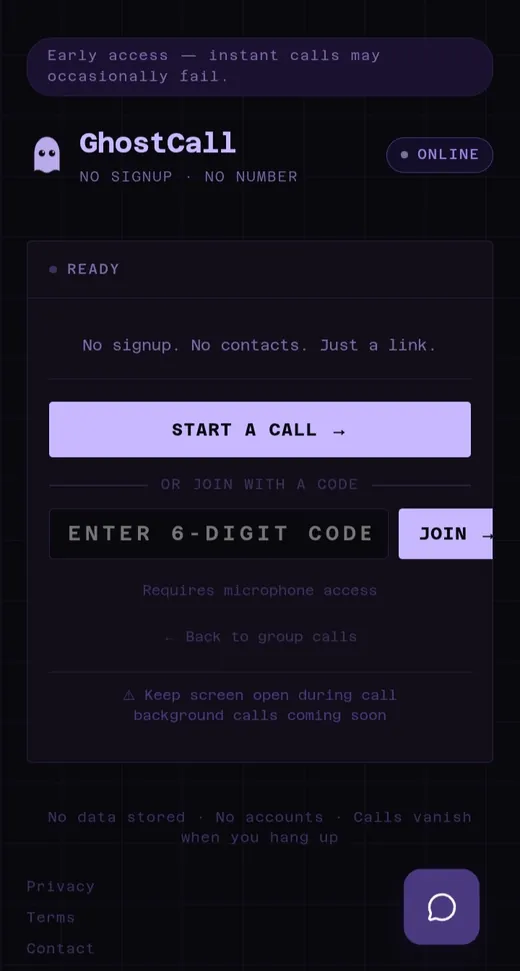
You can test this yourself with GhostCall's browser calling.
During the call
Use earbuds, because people nearby can hear more than you expect on a train or in a cafe. Avoid saying passwords, card numbers or security codes aloud.
When to switch
On trains the connection can drop in tunnels and between mobile cells, so mobile data is sometimes steadier than onboard Wi-Fi. Use mobile data for anything private, or a trusted VPN if you must stay on the network.
More on this: GhostCall's overview of free browser voice calls.
Make a call without creating an account
GhostCall lets you start a voice call from your browser with no sign-up and no phone number.
How a GhostCall call starts
- 1Create a room
- 2Share the link or 6-digit code
- 3Talk instantly
Start a call on GhostCall Read the GhostCall FAQ
Free, no credit card. GhostCall is in early access, so a call may occasionally fail.
Common questions
Is public Wi-Fi safe for a voice call?
Usually yes for the audio, because it is encrypted, as long as you follow the habits above.
Do I need a VPN?
It's optional for casual calls and sensible for sensitive ones.
Why does the call keep cutting out on a train?
Moving between mobile cells and tunnels interrupts the connection. A shorter call, or waiting until you have a steady signal, helps.