
Encryption in transit
Browser calls use WebRTC, which encrypts audio between the two browsers. That protects the call from people on shared networks such as cafes and trains.
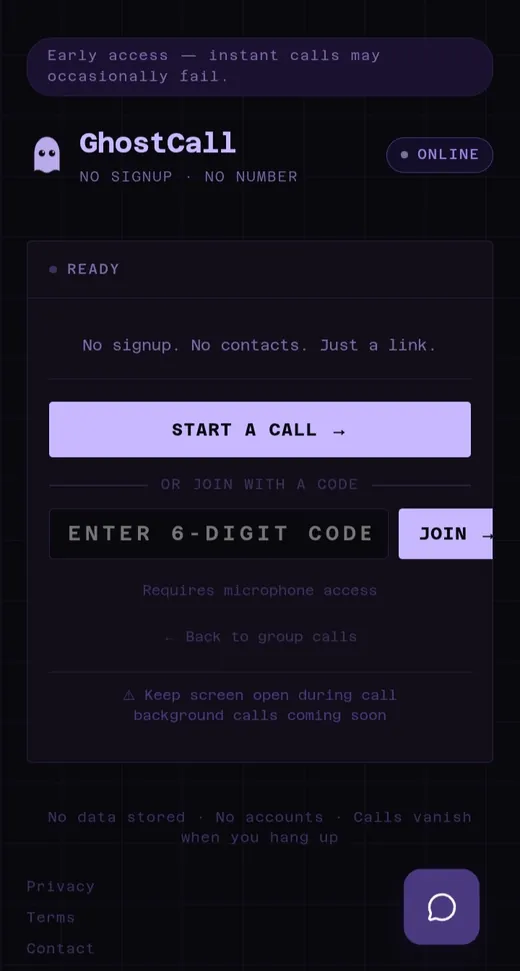
To see how it feels, make a test call on GhostCall.
UK data protection
UK GDPR and the Data Protection Act 2018 set rules for how organisations collect and use personal data, and the Information Commissioner's Office regulates them. Read a tool's privacy policy to see what it collects and keeps.
Recording
Recording a call for purely personal use is generally lawful, but sharing a recording or recording on behalf of a business raises other rules. The best practice is to tell people and get their agreement. This is not legal advice.
For more background, see free browser voice calls explained.
Make a call without creating an account
GhostCall lets you start a voice call from your browser with no sign-up and no phone number.
How a GhostCall call starts
- 1Create a room
- 2Share the link or 6-digit code
- 3Talk instantly
Start a call on GhostCall Read the GhostCall FAQ
Free, no credit card. GhostCall is in early access, so a call may occasionally fail.
Common questions
Can the website listen to my call?
In true peer-to-peer calls the audio doesn't pass through the site, but read the tool's privacy policy to see what it logs.
Is it safer than a normal phone call?
In some ways, since ordinary calls typically aren't encrypted end to end. Safety depends on the whole setup.
Where can I learn more?
The Information Commissioner's Office publishes plain-language guidance on data protection.