
| Feature | GhostCall | FaceTime |
|---|---|---|
| Who can start a call | Anyone with a modern browser | Someone with an Apple device |
| Account needed | None | An Apple account for the person starting the call |
| How others join | Open the link or enter a 6-digit code | Open a FaceTime link; joining from a browser works on Android and Windows |
| Video | Voice calls only | Voice and video |
| Best for | One-off voice calls on any device | Calls between Apple devices |
Who can start a call
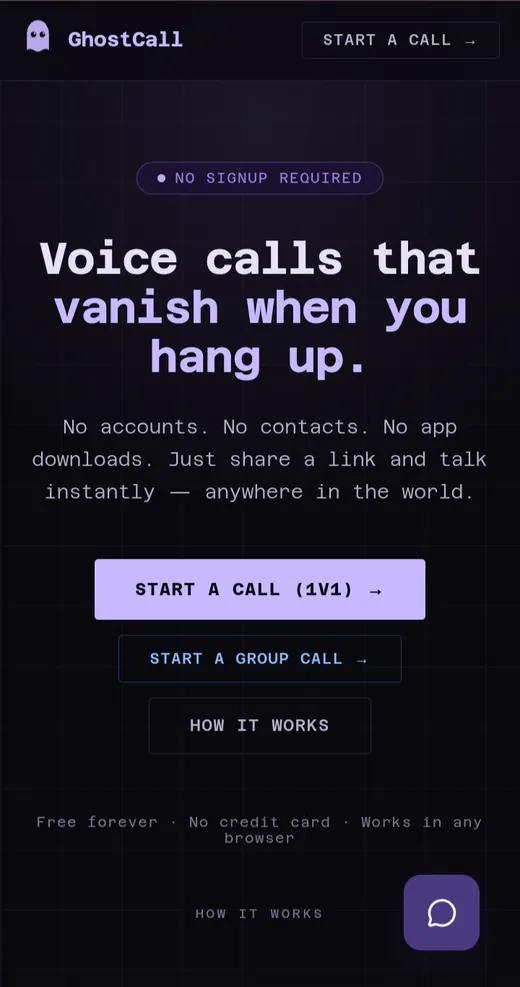
FaceTime calls are started from an Apple device. GhostCall can be started from any modern browser, so it works the same on Android, Windows, Mac and iPhone.
If you'd like to try it, start a free GhostCall voice call.
Who can join
Apple lets people join a FaceTime link from a browser, including on Android and Windows, so mixed groups are possible. With GhostCall everyone joins the same way, by opening the link or entering the 6-digit code.
Which fits when
Use FaceTime for calls between Apple devices, especially video and calls with people already in your contacts. Use GhostCall for a quick voice call with someone who has no Apple device, or when you don't want to link the call to an account or number.
For more background, see what GhostCall is and who it is for.
Make a call without creating an account
GhostCall lets you start a voice call from your browser with no sign-up and no phone number.
How a GhostCall call starts
- 1Create a room
- 2Share the link or 6-digit code
- 3Talk instantly
Start a call on GhostCall Read the GhostCall FAQ
Free, no credit card. GhostCall is in early access, so a call may occasionally fail.
Common questions
Is GhostCall a FaceTime replacement?
Not for video or Apple-to-Apple calling. It's a lighter option for voice calls with no account.
Do I need an Apple device to use FaceTime?
To start a call, yes. Others can usually join a FaceTime link from a browser.
Can I call a mobile number from GhostCall?
No. It's for calls between people who are both online.